Use cases
Make the content. Let the hive handle the rest
Schedule every video and post from one calendar, answer fans and brands from one inbox, and let the AI agent take the questions you get a hundred times a week.
Get started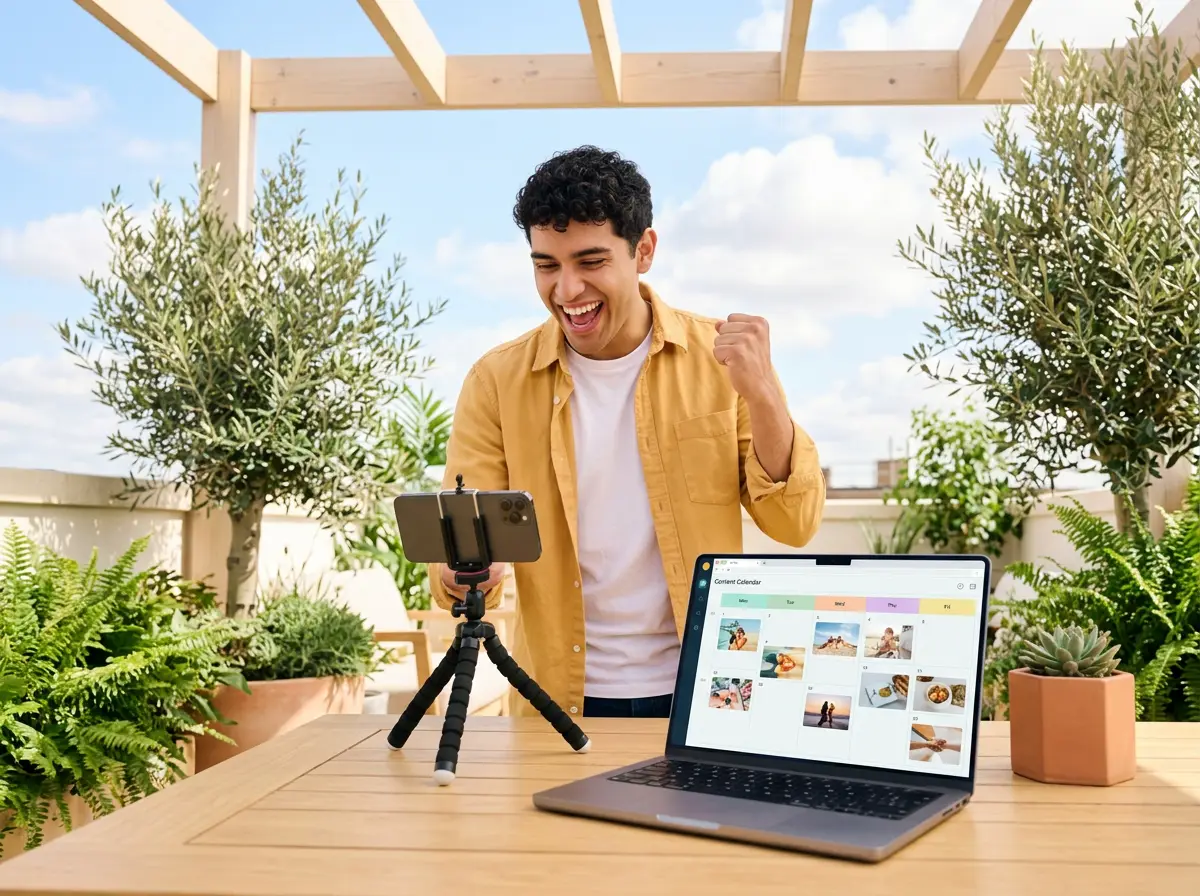
Sample
@lina.makes
Hi! Do you do brand collabs? We make eco sneakers.
Tagged “partnership”
@kofi_films
what mic is that??
AI agent answered
Comments on Sunday’s video
Fans keep asking for the full gear list.
Comment insights
Reel · Studio tour, part 2
Instagram, TikTok, YouTube Shorts
Scheduled · Fri 18:00
A day with Hivenza
- 08:00
Batch the week
Film once, then schedule Reels, TikToks, Shorts and posts for every network from one calendar.
- 10:30
Brands, kept apart
An inbox rule tags collab requests, so they never get lost among fan messages (Pro).
- 13:00
The usual questions
“Where’s the link?” “What mic is that?” The AI agent answers from your own words and hands the rest to you (Pro).
- 17:00
Read the room
Comment insights read the comments under yesterday’s video: what fans loved, asked and want next (Pro).
- 21:30
Offline
Posts keep going out on time in your timezone, while you sleep or travel.
Before, and with the hive
Before
- Five apps open to post one video
- Brand emails buried under fan DMs
- The same question answered forty times
- Guessing what to film next
With Hivenza
- One calendar posts it everywhere, on time
- Collab requests tagged and kept apart
- The AI agent answers the usual questions
- Comment insights show what fans ask for
What helps creators
- Publishing
- Reels, TikTok, YouTube Shorts, carousels, stories, Threads and Bluesky from one composer, each checked against the network’s rules.
- One inbox
- Comments from Starter and DMs from Pro, across Instagram, TikTok, YouTube, X, Threads, Bluesky and more.
- AI agent
- Answers the questions fans and brands ask most, only from what you taught it, and hands anything else to you (Pro).
- Comment insights
- The gist, the mood, the themes and the questions under any post, so the next video answers them (Pro).
- Link in bio
- A page with your links and latest posts, to put in every profile (Starter).
- Help centre
- An FAQ for fans and brands: your gear, how to work with you, where to find things. Written once, sent from any chat (Starter).
An honest fit
Hivenza fits if
- You post to several networks every week
- Fans and brands write to you in DMs and comments
- You want to know what your audience asks for
- You work alone, or with an editor or a manager
Another tool may fit better if
- You want a marketplace to find brand deals
- You want to edit your videos inside the tool
- You only ever post to one network, from your phone
We’d rather you pick the right tool than the wrong one.
Questions
Can my manager or editor help without my passwords?
Yes. Invite them to your workspace as an editor or a viewer. They never see your network passwords, and you can remove them at any time.
Will fans know they are talking to an AI?
If someone asks, the AI agent says plainly that it is your automated assistant. You or your team can take any chat over in one tap.
Does it schedule TikToks and YouTube Shorts?
Yes. Vertical videos go to TikTok, YouTube Shorts, Instagram Reels and stories from the same composer.
Is there a free plan?
Yes: one brand, 3 accounts and 30 posts a month, with no card. The inbox comes with Starter; DMs, the AI agent and comment insights with Pro.
Schedule next week’s videos tonight
