Integrations

Every network your team needs, in one hive

Hivenza publishes to your social networks, posts to the channels where your team talks, takes requests from your AI assistant, and sends its events to the tools you automate with.

Every connection goes through the platform's official API.

Publish to every network

Write once, adjust per network, and see each one's rules checked before anything is scheduled.

Facebook Pages
Text and link posts · Single photos and photo albums · Videos
Instagram
Feed photos · Carousels of up to 10 photos and videos · Reels · Stories
TikTok
One video per post, with its caption
X (Twitter)
Text posts · Up to four images · One video or GIF
LinkedIn
Text posts · Posts with up to 20 images
YouTube
Videos (short vertical ones become Shorts on YouTube)
Threads
Text posts up to 500 characters · Posts with an image or a video · Carousels
Bluesky
Text posts up to 300 characters · Up to four images · Links, hashtags and mentions that are clickable
Telegram
Text posts up to 4,096 characters · A photo, video or file with a caption · Albums of 2 to 10 photos and videos · Link buttons, silent and pinned posts
Google Business Profile
Updates with a photo · Offers with dates, a coupon code and terms · Events with a start and an end · A button: book, order, buy, learn more, sign up or call
Pinterest
Image Pins · Video Pins · A title, description, link and alt text · Pick a board, or make a new one from the composer
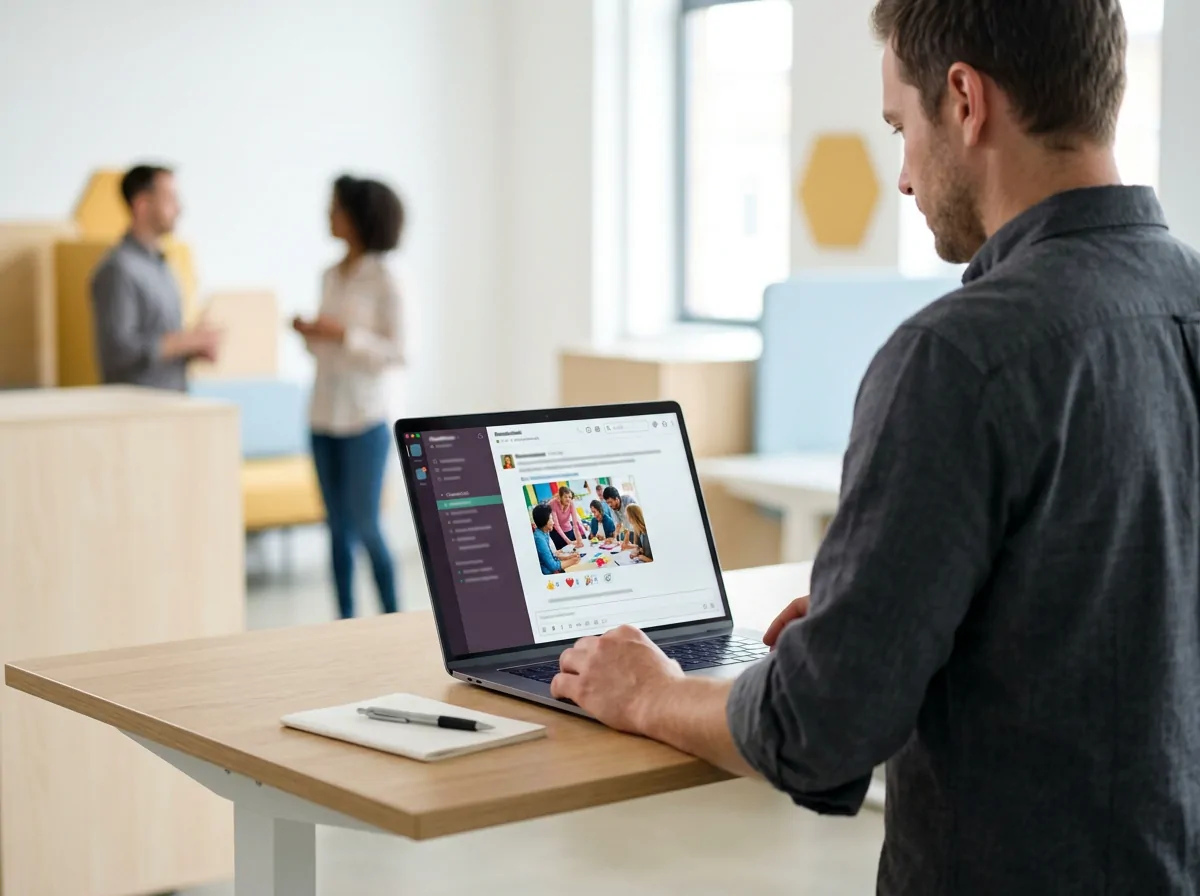
A team channel receiving a scheduled announcement

Team channels · Agency plan

Post where your team already talks

Announcements, launch reminders and weekly round-ups go to your Discord, Slack and Microsoft Teams channels from the same composer and calendar as your social posts.

  • Connect a workspace or server once, then choose the channels for each brand
  • Schedule a message like any other post, or send it now
  • Included with the Agency plan

Answer from one inbox

Comments, mentions and reviews from every network that shares them from Starter, and direct messages from Pro, assigned and answered by the team.

Website chat
A live chat on your own website with one line of code, from Starter; on Pro, chatbot menus and the AI agent can answer it.
WhatsApp
Chats on your WhatsApp Business number, and broadcasts of approved templates to people who opted in (Agency).
Instagram
Comments, DMs, story replies and story mentions.
Facebook
Comments, Messenger chats, private replies to comments, and Page reviews.
X
Mentions and replies to your posts.
Telegram
Chats with your bot, in your channels and groups.
Google Business Profile
Reviews, answered from the same inbox.

Plan from your AI assistant

Ask it to

  • Draft next week’s posts for every network and leave them in Hivenza
  • Move Thursday’s post to Friday at 18:00
  • Tell you which posts did best last month

You keep control

  • Claude, ChatGPT and any assistant that supports remote MCP servers
  • Posts stay drafts unless you ask to schedule them
  • Approvals and plan limits still apply, and everything shows in the activity log

From the Starter plan.

How AI assistants work

Automate with webhooks

Hivenza sends each event as it happens to the address you choose, signed so you can check it came from us. Pro plan.

Zapier
Catch Hivenza’s events with a “Webhooks by Zapier” trigger, then add the contact to your CRM, post in a channel or log a row in a sheet.
Make
Start a scenario from a custom webhook when a conversation opens, a contact changes or a post goes out.
n8n
Point a Webhook node at your workflow, on n8n’s cloud or your own server.
Your own code
Point it at an endpoint of your own. Each request is signed, and failed deliveries are retried.
Events
New message, new conversation, conversation done, new or updated contact, post published, post failed, and a website chat rating.

Bring content in

  • Canva

    Open a Canva design straight into a post, exported at the right size.

  • RSS feeds

    A new article in a feed becomes a draft, or goes into the brand’s queue.

  • Link in bio

    A public page for each brand, with its links and its latest posts.

  • Spreadsheets

    A month of posts scheduled at once from a CSV file (Pro).

Waiting on the networks

Built, and switched on as soon as each network approves it.

LinkedIn company pages
Publishing and comments for Pages need LinkedIn’s Community Management API approval.
TikTok comments and DMs
These live in TikTok’s Business API, for Business accounts, after TikTok’s review.

Safe by design

Official APIs
No scraping and no shared passwords: each network’s own login and API.
Encrypted tokens
Access tokens are encrypted (AES-256-GCM) before they are stored and never reach the browser.
Your call
Disconnect any account from Settings or from the network itself, at any time.

Questions

Which networks can Hivenza publish to?

Facebook Pages, Instagram professional accounts, TikTok, X, LinkedIn profiles, YouTube, Threads, Bluesky, Telegram, Google Business Profile and Pinterest.

Which plan includes Slack, Discord and Teams?

The Agency plan. Connect the workspace or server once, then pick the channels each brand posts to.

Do AI assistants post without asking?

No. They create drafts by default and only schedule or publish when you ask; if your workspace needs approval, the post waits for an owner or admin.

Does Hivenza work with Zapier, Make or n8n?

Yes, through webhooks on Pro: add an endpoint in Settings → Webhooks, pick the events, and paste the address from your Zapier, Make or n8n workflow. Each request is signed.

Is anything missing?

LinkedIn company pages and TikTok comments are waiting on those networks' approvals. Tell us what you need next from Settings → Contact support.

Connect your first network in a minute

A golden honeycomb holding small photographs of social media posts
