A look inside
A look inside Hivenza
Real screens from the app, grouped by what you do with them. Click any picture to enlarge it, then use the arrow keys to move between them.
Get startedScreens from the app with a demo brand. The people and numbers are made up, and the demo texts are in English.
A few of the screens inside Hivenza. There is much more: see every feature.
Your day at a glance
What needs you first, in one list.
Your day, in one list
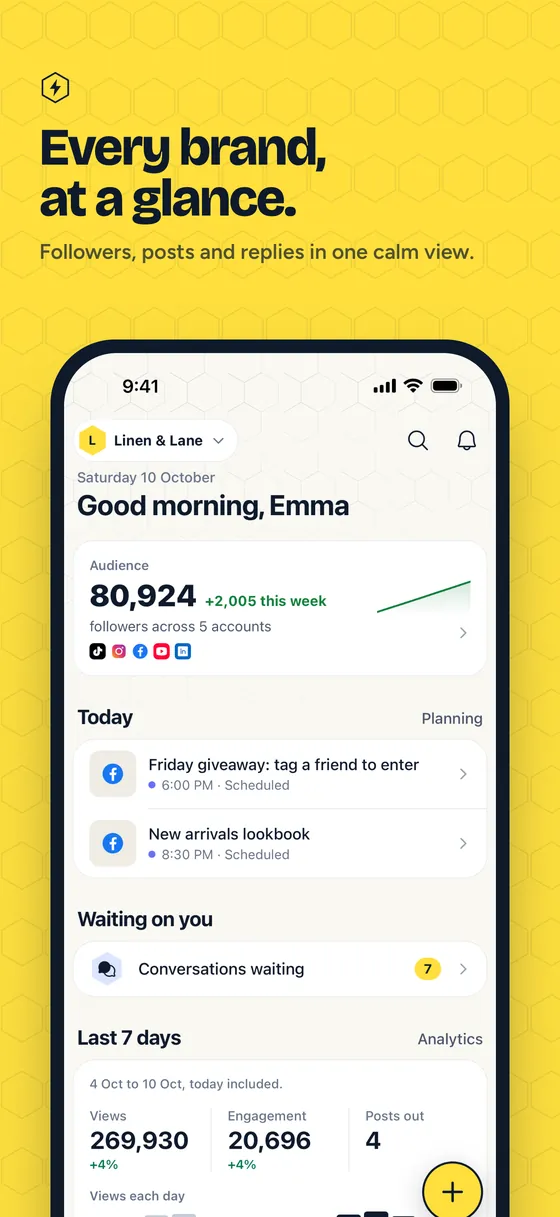
What needs you first, today’s posts, what is coming up and where the audience stands, for the brand you picked.
Plan and publish
A calendar, a post editor, one list of posts, a media library and a page for your link in bio.
The week at a glance
Every post sits at its time, in the brand’s timezone. Drag one to move it, or click a slot to plan a new one.
Write once, adjust per network
One caption and one picture go to several networks, with each network’s limit checked and a live preview beside the text.
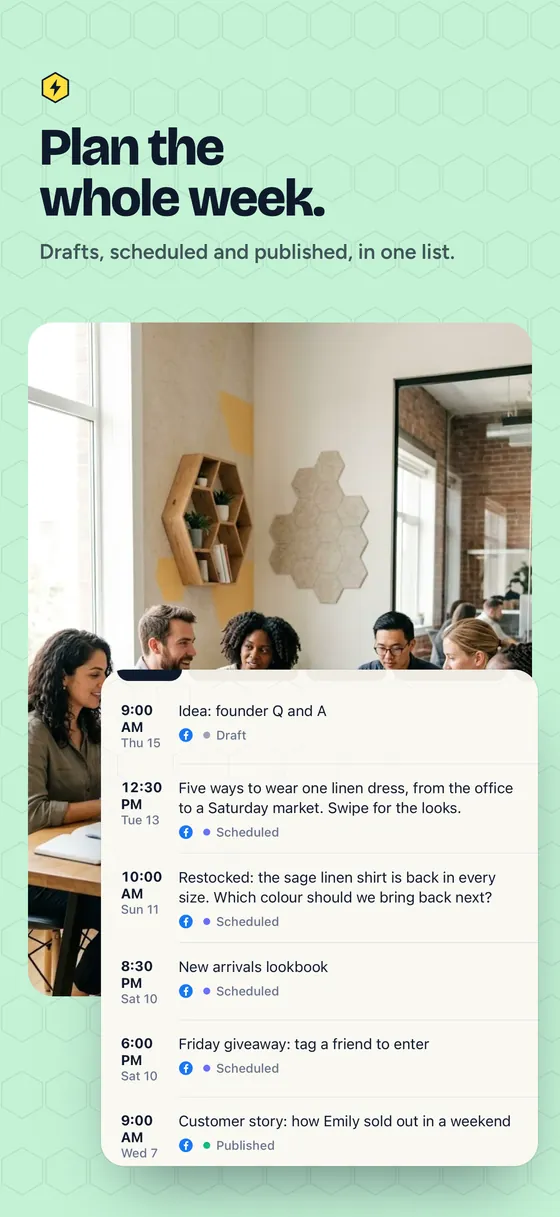
Every post in one list
Scheduled, draft and published posts grouped by day, with the post and where it goes shown beside the list.
A library for every picture and video
Folders, tags and search for the team’s files, ready to attach to a post for any network.
One page for the link in your profiles
A small page of links for Instagram or TikTok, with a live preview as you write it and its visits and clicks in Analytics.
One inbox for every conversation
Comments, reviews and messages as tickets, with service targets, approvals for the decisions that matter and a page for every person.
Comments and messages in one inbox
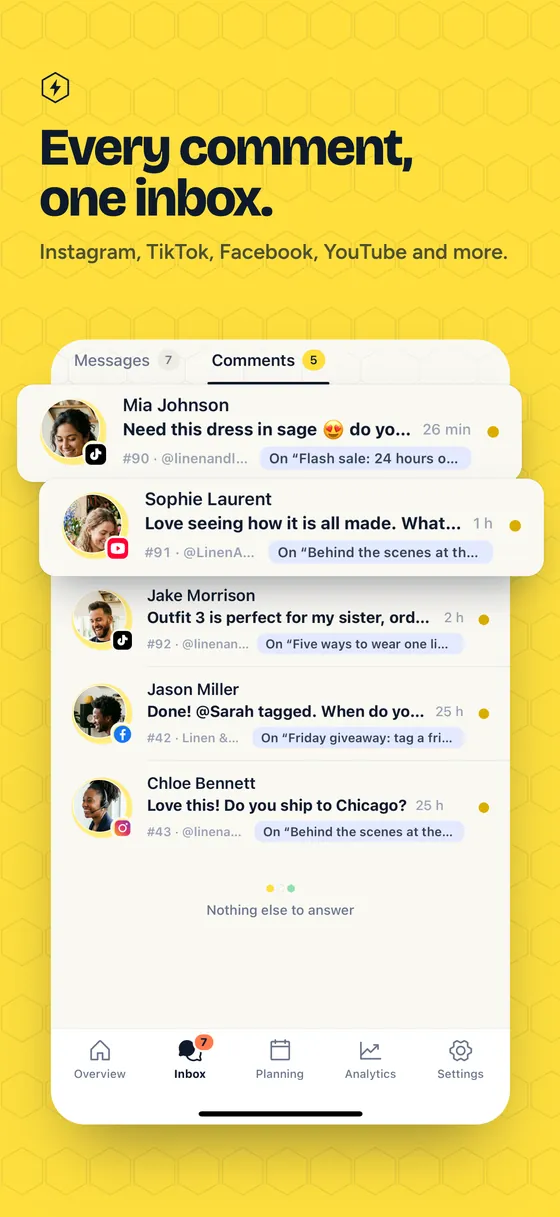
Comments from YouTube, TikTok, Instagram and Facebook and Google reviews arrive as tickets with an owner, a state and a priority.
A yes first, for the decisions that matter
Refunds, discounts and exceptions wait for the people you name, with the reason and a full trail of who decided what.
Everyone you talk to, with their history
Each person has a page with their conversations, tags and notes, and what they agreed to receive.
Reply and resolution times, in your business hours
Say how fast each kind of ticket should get its first reply and its answer, by brand, network and priority, and see them on every ticket.
Live chat on your website
A chat in the corner of your site, a menu for common questions and a view of who is on the site, all answered from the same inbox.
A live chat, answered from the inbox
A visitor writes from your website, a workflow asks what it is about with buttons, and a teammate takes over in the same inbox.
Make the chat look like your brand
Set the colour, the greeting and the opening hours, and see exactly what visitors will see as you change them.
A menu that answers the common questions
New chats get numbered choices first: each one answers, opens another menu or passes the chat to the team, in every language you write it.
See who is on your site right now
Visitors browsing your site, the page they are on and where they come from, on a map, with a way to start a chat with them.
AI agent and help centre
An agent that answers from what you teach it, the sources it reads and the help articles it learns from.
An AI agent that answers from what you teach it
Write what it should know, try a question, and it answers day and night, handing over to a person when it can’t help.
Teach it from your own sources
Add questions and answers, pasted text, files, web pages or your help centre, choose who each is for and see how many pieces it read.
A help centre that feeds the answers
Articles in several languages, grouped by topic, are used by the help page, the website chat’s search and the AI agent.
Workflows
Steps that run on their own, drawn as a flow.
Automations you draw as a flow
A trigger, a question with buttons and the steps that send each chat to the right team, drawn on a canvas and live in one click.
Analytics and reports
Every network’s numbers side by side, and a report for each month.
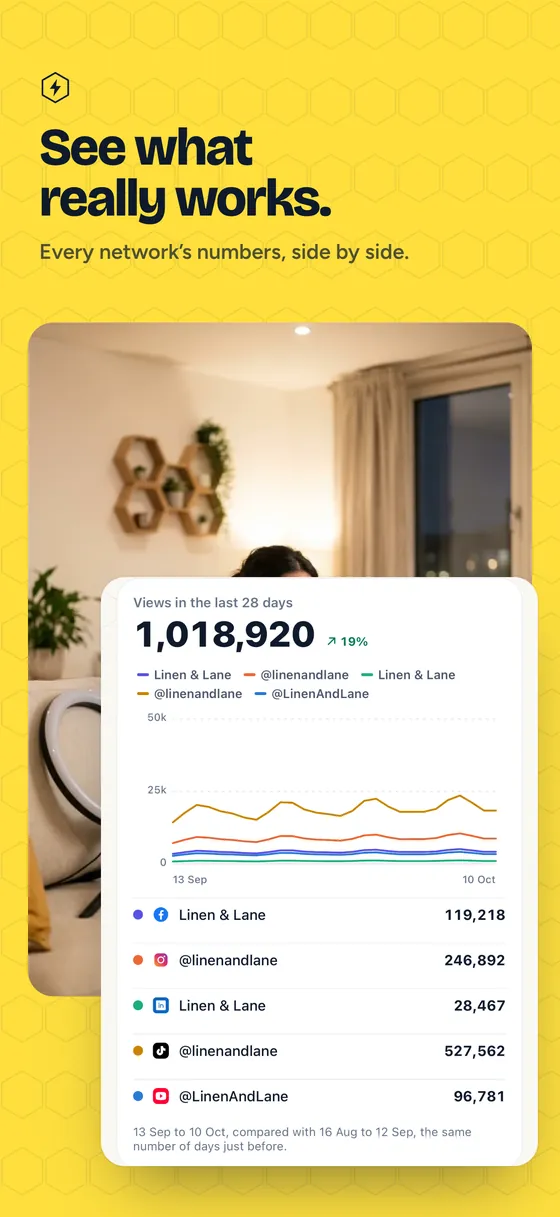
All your networks, side by side
Followers, views, reach and engagement for every account together, with a line for each one and a comparison with the period before.
One network in depth
Each account has its own page with its figures, a chart by day and the posts that did best.
A monthly report, ready to send
One page per month in the brand’s colours, with a plain sentence on what changed, ready to download as a PDF for a client.
On your phone
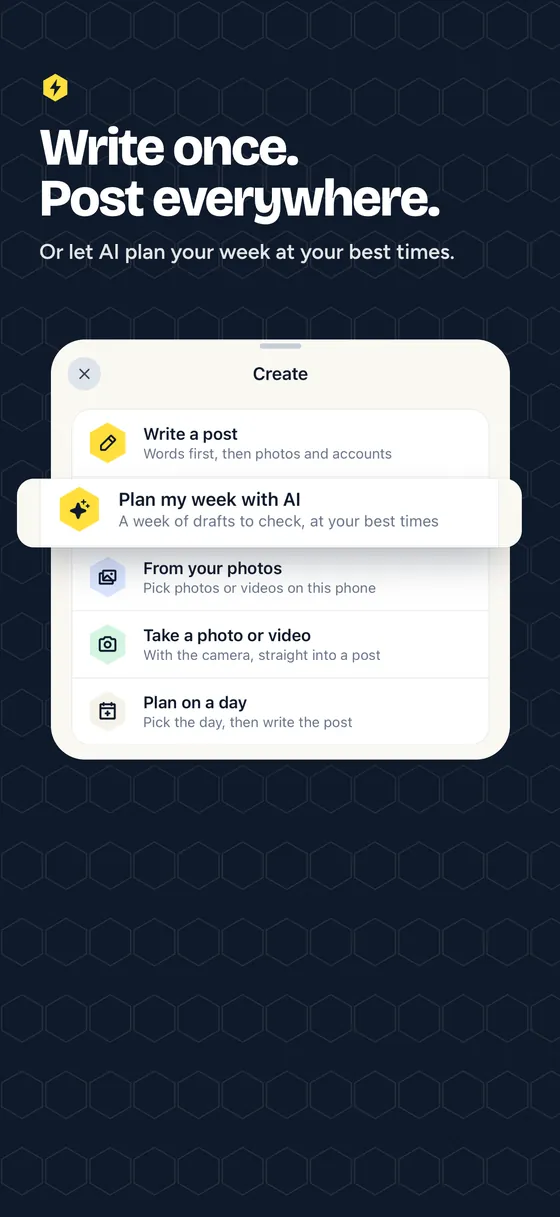
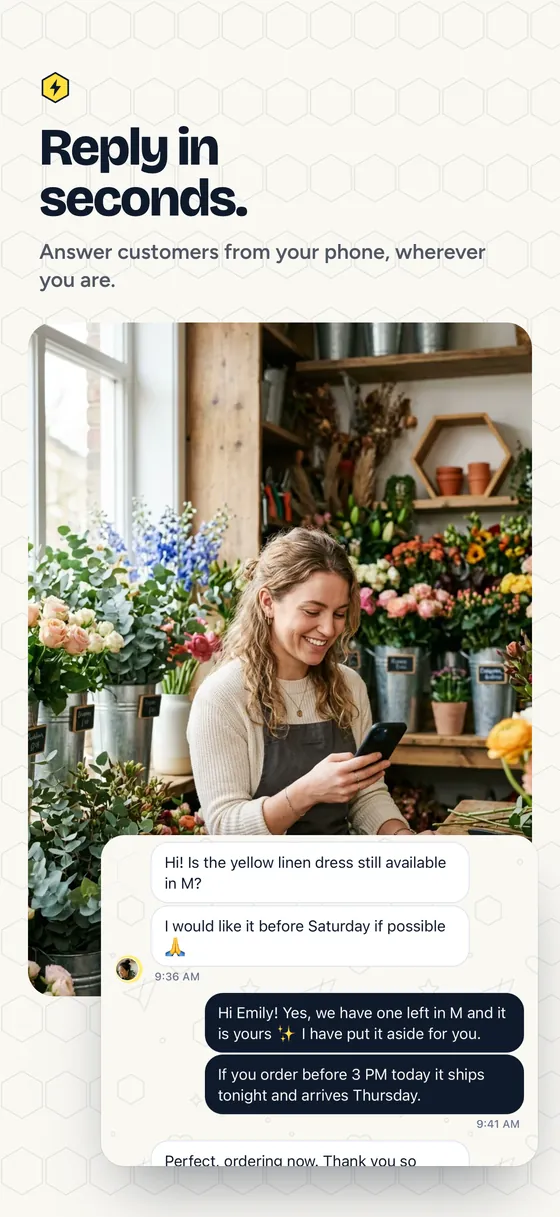
The same workspace in your pocket, with the words inside the pictures in English.
This is only part of it. Try it yourself, free.
Start with one brand and your own accounts, and look around the rest.